
Accessibility & Inclusive Product
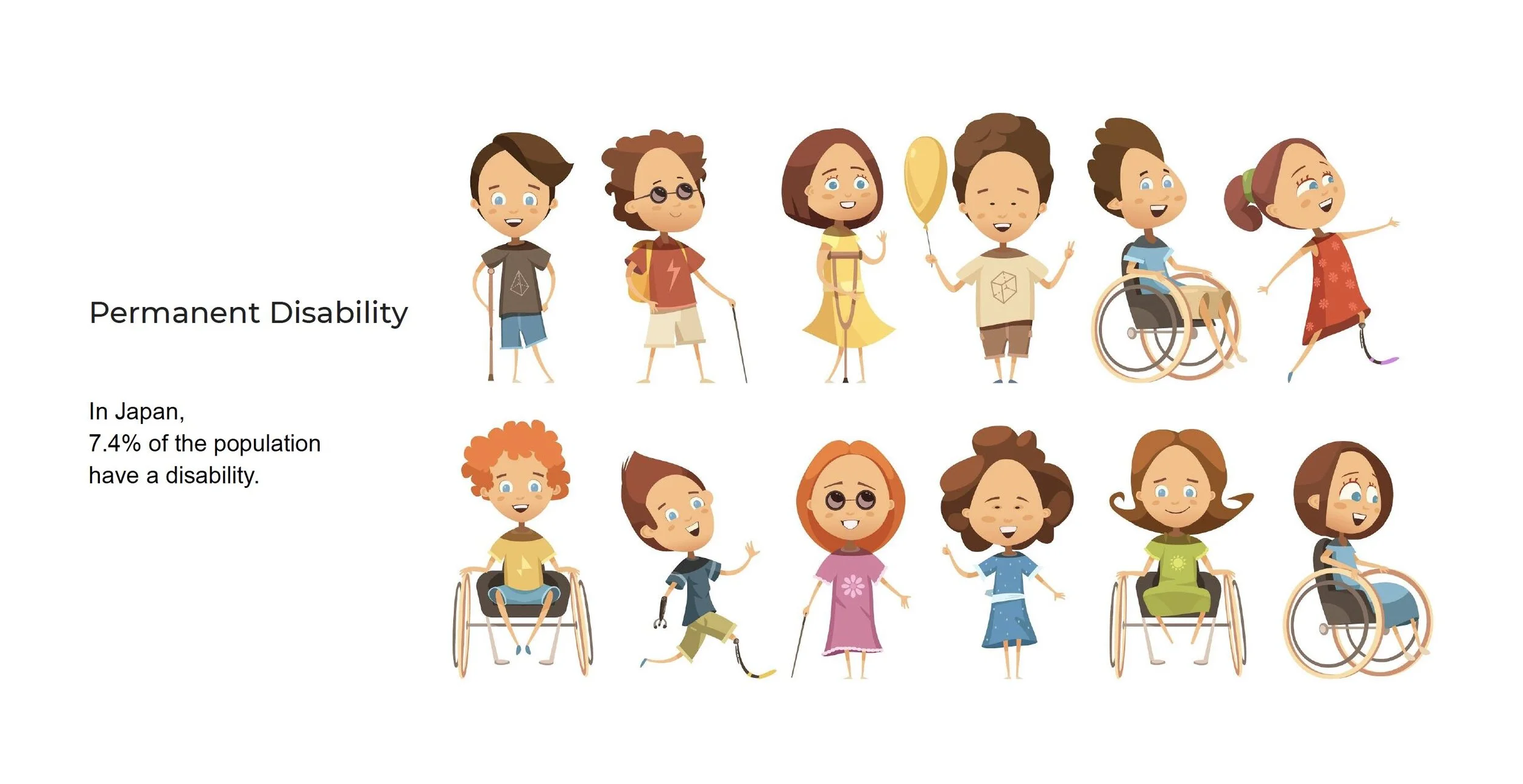
In Japan roughly 7.4% of the population have a disability.
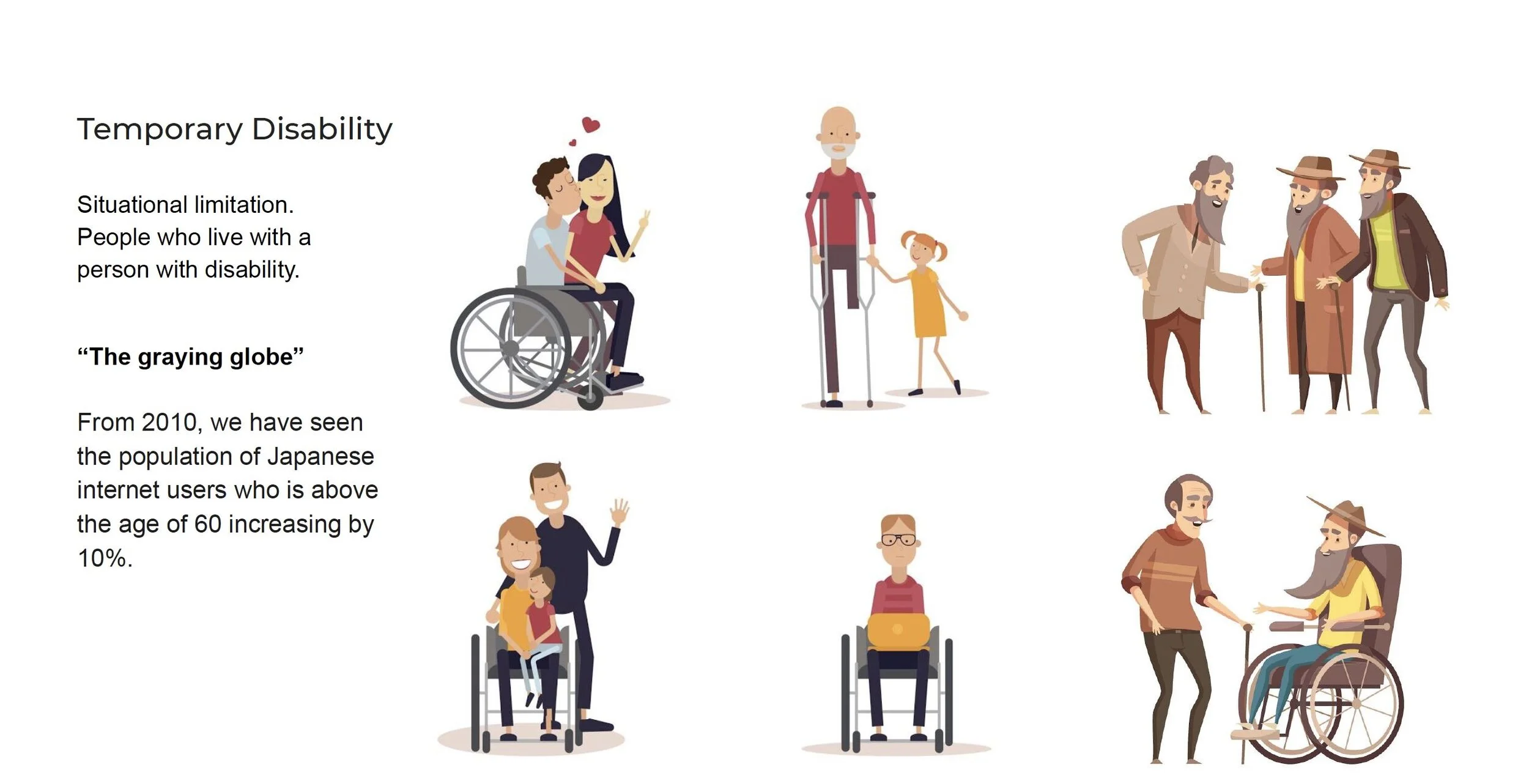
Out of 1000 people there will be 34 who are physically impaired, 40 who have a mental disability or impairment. And from 2010, we have seen the population of Japanese internet users who is above the age of 60 increasing by 10%. However as workers of the internet, when we use our abilities as a baseline, we often create inaccessible product/service that does not reflect the real world nor the diverse human. Above all, we can make many internet users feel excluded and frustrated, and not able to enjoy the latest technology.
From 2019, i have grown an interest for web accessibility (the most accessible platform for many senior and disabled people) after my grandpa lost his finger mobility temporarily. The family members then blamed his old age for not being able to catch up with the rapidly changing devices and applications. This event has been stuck in my head ever since. Over the course of a year, I have made an effort to educate and influence team members about testing and making product more accessible. My latest position at Mercari helps me to further explore Human Computing Interaction research challenge to make universal design a baseline of technology. An accessible digital environment opens up many opportunities for people of all abilities.
In short, accessibility is not just a nice add-on to our product. It should be a foundation to make a product. Design has power to influence and do good.
This case study has 2 parts: 1. Accessibility for product development and 2. UX research on accessibility.
Accessibility for product development
Most common accessibility problem
No focus styles
Lack of keyboard access
Poor contrast, font size
Inability to zoom
No screen reader (assistive technology support)
Autoplaying motion
Cryptic, unlabeled icons
No captions/alt/descriptions
Testing Mercari app with iOS 13 voice control assistant. Many meaningless labels that block device’s assistive feature from working.
The POUR principles for product’s accessibility
Design system is a wonderful foundation to influence product team to build accessible components. In 2019 I am fortunate enough to present this talk for Droidcon (a global developer conference series on Android) in India and Vietnam) on Accessibility for Design system. I cover many topics for designers to start on accessibility such as color contrast, touch target sizing; and also testing for developers.
Dark mode support
In 2019, both Android and iOS released Dark Mode that has potential to solve a few accessibility issues for people with low vision and visual impairment. To support Dark mode on these platforms, Design system with extra care on Dark mode components is recommended.
2. User Research
I have worked with several academic HCI researchers and Material Design Lab from the University of Tokyo to further study and build up data for the R&D team.
As Japan is a unique country where we have seen the population of Japanese internet users who is above the age of 60 increasing by 10%, from 2010. As devices and broadband internet are getting more affordable, more and more people of all abilities/economies are having access to the internet & smartphones. I as a project leader and my team have conducted research on both senior and disabled internet users.
Our research planning.
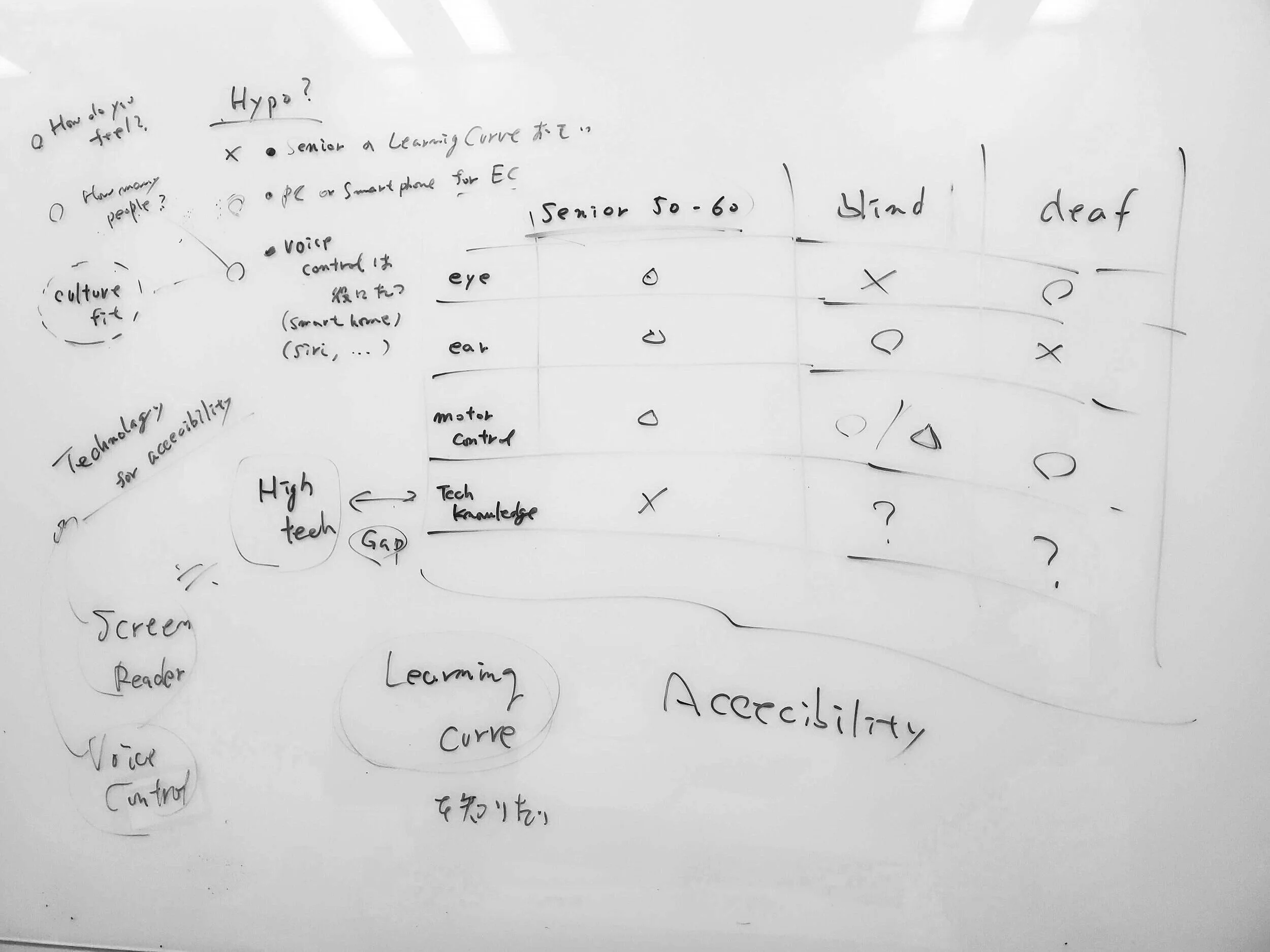
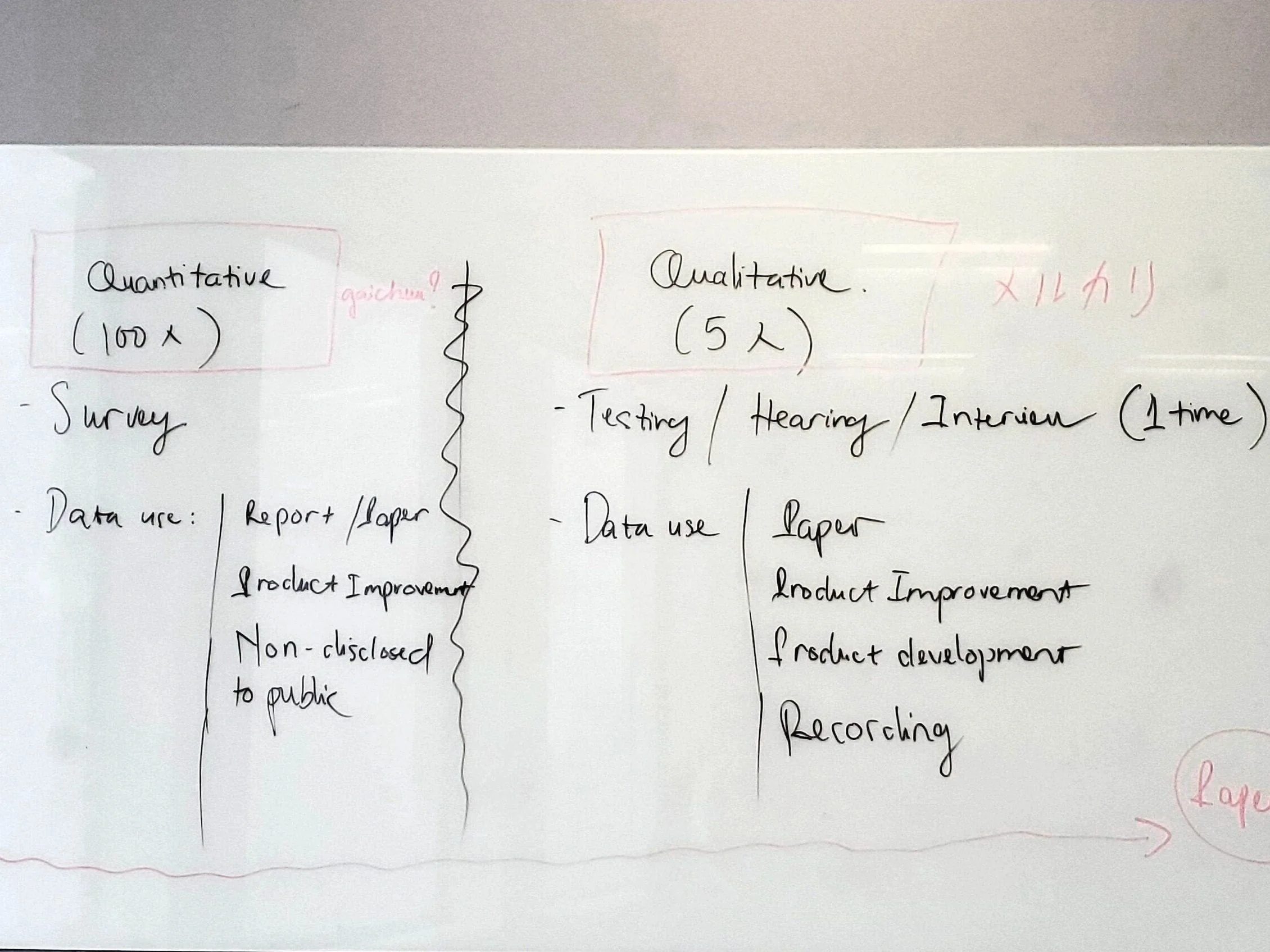
We try to not get stuck with the ideology of quantitative and qualitative research methods (still extremely important) in order to solely reach the end of the research. We have to reconsider our existing knowledge and assumption, empathize with more than just UX personas but the diverse human range, listen to our focus group, use our collected data to influence the stakeholders and to make a change.
I have helped the team establish a working mechanism for accessibility research as part of HCI’s universal design challenge. It is still an on-going process that aims to support future researchers in the team, and to bridge the gap between Industry and Academic UX research.
HIGHLIGHT 1: Focus group (senior users)
We had some field research trips to the suburban Tokyo towns to conduct controlled observation with 5-6 senior users per focus group. Suburban Tokyo are homes to many retired Japanese (Hachioji, Chiba, Chofu) and the company (Mercari) often holds community classroom to teach the senior users how to buy and sell on the app. After the observation trips, we sometimes invite several attendees to participate in private user testing.
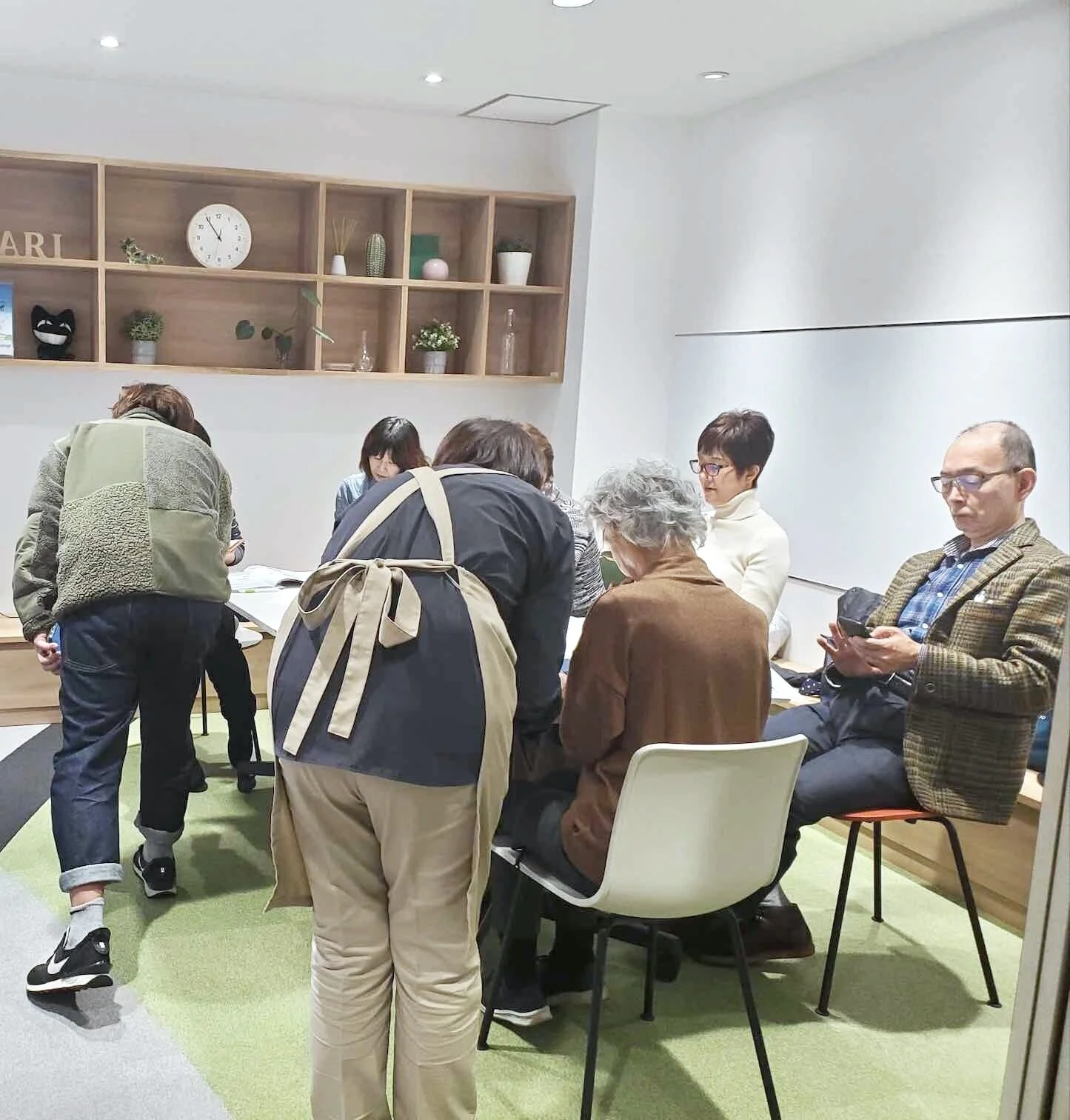
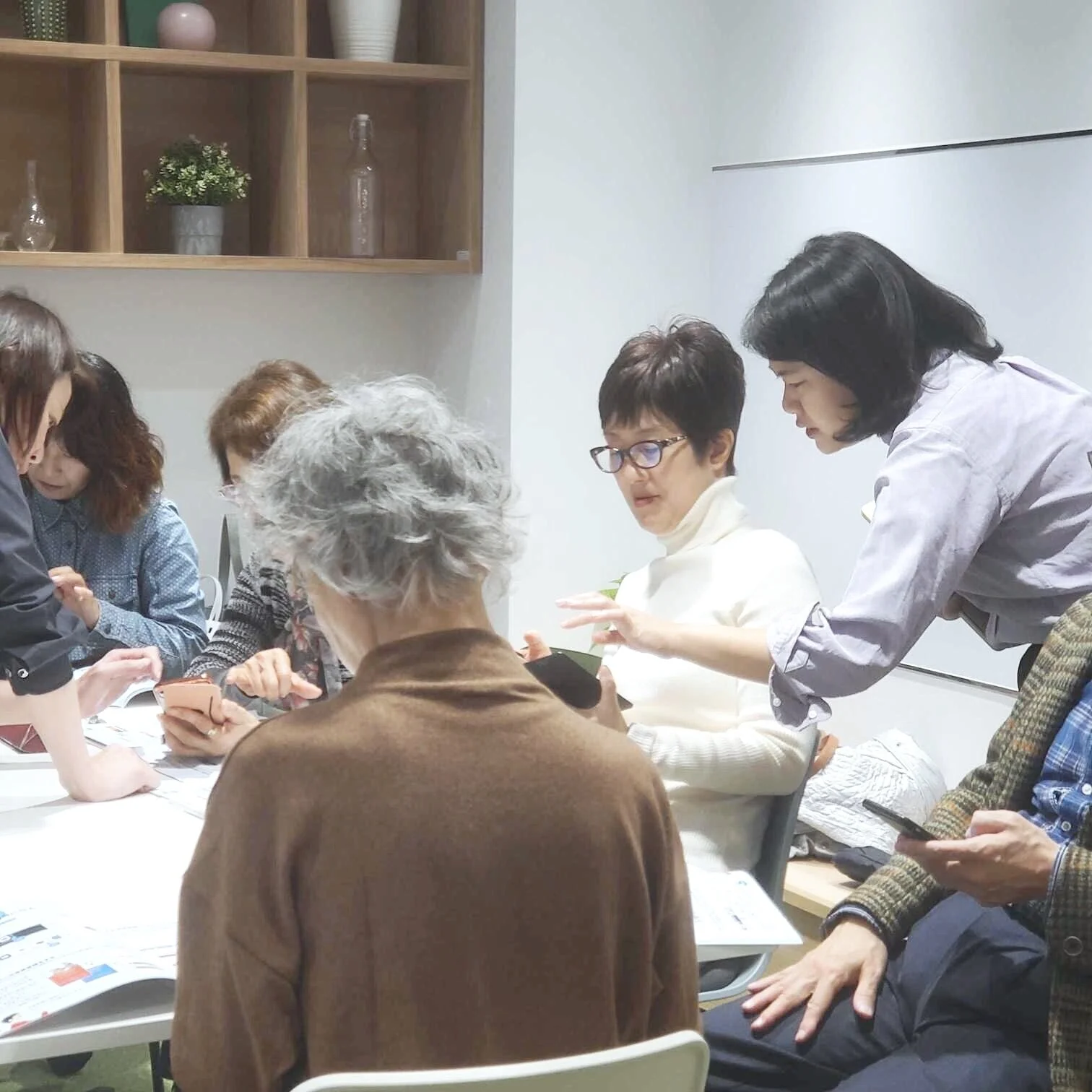
As a result of the observations, Japanese senior users see internet as a positive experience, use technology to pursue their interest and in particular use our app to have a unique shopping experience and improve their lives. One 87-year-old user has sold her farming products straight to the users all over Japan using her daughter’s laptop. Almost half the attendees are Android users.
Some pain points that came into light:
Devices not updated to latest software. Old UI and frozen interaction as a result.
Keyboard typing takes time.
They give up fast if there is trouble to get through a process. “That stuff would waste my time”.
Paper manuals are still useful.
Complex UI components such as drop-down filter menu are neglected.
HIGHLIGHT 2: VOICE CONTROL USER TESTING
GUI (Graphic User Interface) is the most popular interface on the smartphones. GUI is accessible for an average who can learn and remember the commands in the form of visual elements such as buttons, mouse to point and click, toolbars and icons. When more people of different abilities and tech literacy have more access to smartphones, it is clear that GUI can become confusing and overwhelming by the number of choices on an interface. Users have different level and speed of learning. New users can find it hard to become experts, especially when some were not born with the natural senses to experience GUI.
“Buttons & Controls can’t change. They are there even if you don’t need them”
NUI (Natural User Interface) is a newer concept that was popularized by Microsoft. NUI focuses on how humans interact directly with technology using our “natural” behaviors, instead of learning how to use a tool designed with graphic interface. Whilst making technology a natural extension of our body and cognition, we can provide a positive, accessible and engaging product to users of all abilities and ages.
Examples of familiar NUIs: contactless touch gesture (L), voice interface (R)
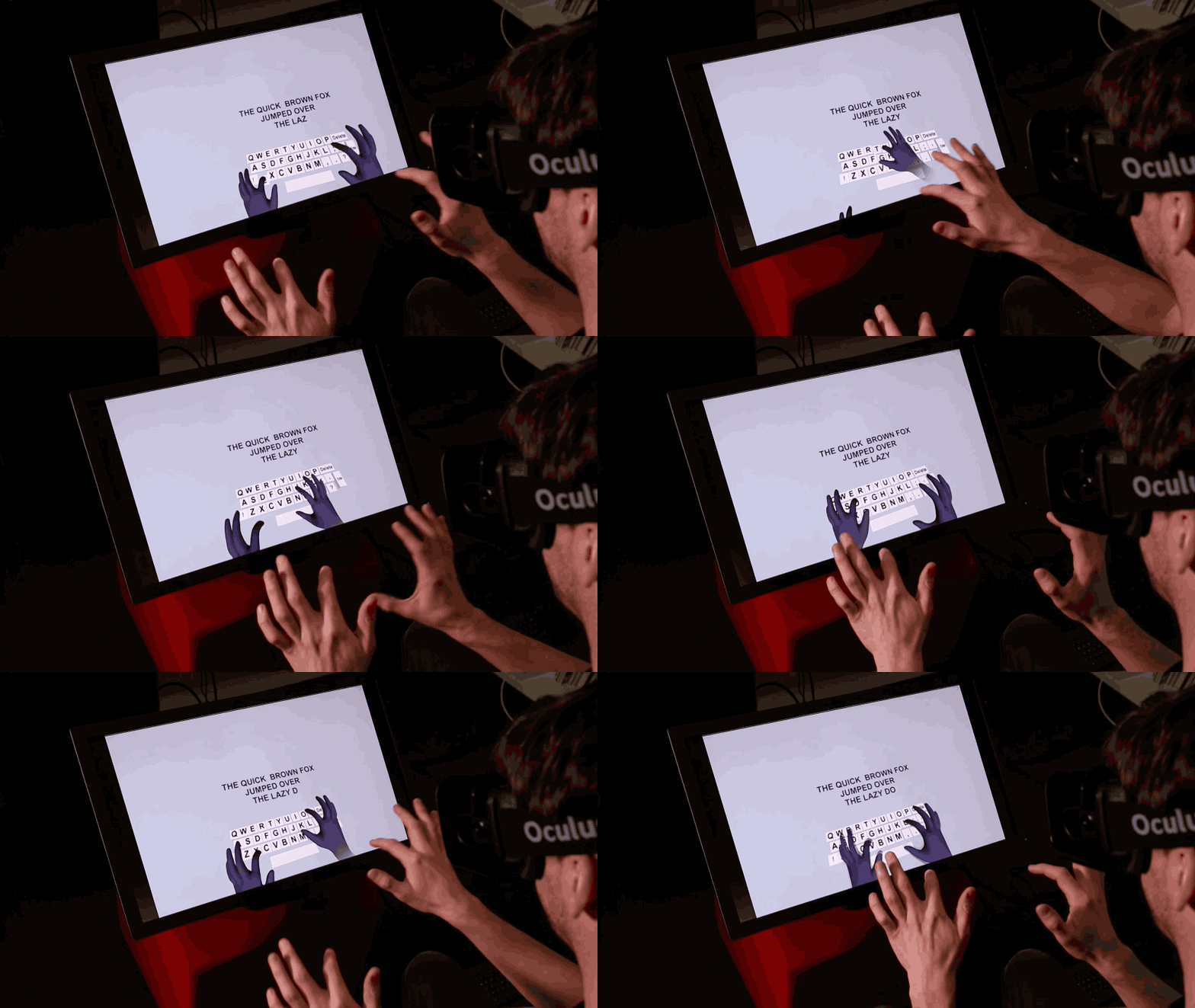
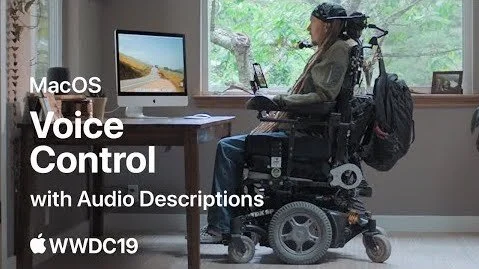
Part of the research is User testing on the new iOS 13 Voice control. Voice control technology has become more mainstream with the introduction of smart-home speakers (Google Home, Alexa) as a stand-alone assistive device. However voice control have yet to become an intuitive, requiring minimal learning technology in Japan due the lack of natural language R&D. I conducted a qualitative research on iOS voice control for our app; to further examine the hypothesis and to provide insights for our iOS dev.
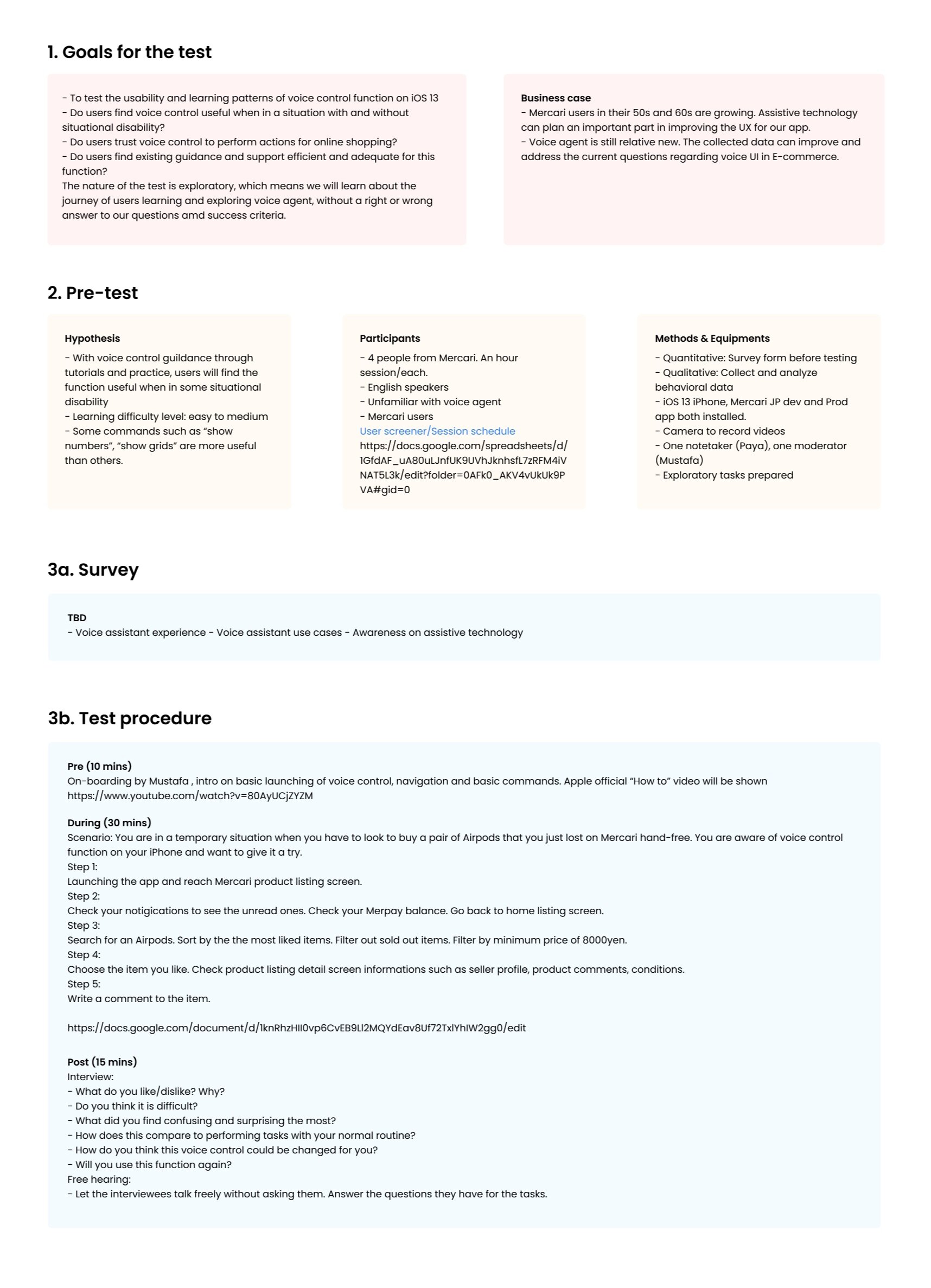
We ran a 5 sessions for the study. Each session is reported with severity rating for each task in order, to learn about the learning curve in voice control as task gets more difficulty.
Some of the notable feedback:
“It’s like a video game battle”
Trust issues on accuracy
Participant does not have a lot of trust and existing positive expectation with voice control.
Troubles remembering commands
Participant tries to mimic the GUI action such as “click this”, “push this”
Participant let out many commands based on their natural language and behaviors, such as ““swipe all the way up”, “do this again”
Positive expectation of voice control to be able to get everything done if it becomes more “human natural”
We came to a conclusion that assistive feature on smartphone devices are currently not capable to assist disabled users to rely on it solely to perform tasks on the internet. In Japan, many global companies do a slow roll-out on voice assistant technology with Japanese language. The potential of smartphone to improve disabled users’ life lies more on its bluetooth/GPS capacity, as a navigation assistant for the visually impaired users; or inbuilt QR code scanner as an instruction device for users with mobility disability.
HIGHLIGHT 3: RESEARCH on visually impaired users
As part of joint research collaboration with the University, the study is under investigation. Besides observation and focus group study with blind gamers and web programmers, my team aims to create some fun experiment on less traditional UX method but more on the lean development style. I will update this session when allowed.
Stay tuned!